 Atta 🐬
In this post
Quick answer
To run a Black Friday sale for a Mac app, take 25% to 50% off and run it from Black Friday, November 27, 2026, through Cyber Monday, November 30, or into the new year. On your own site, make a public code in Paddle, Lemon Squeezy or Gumroad. On the Mac App Store, schedule a temporary price change for a paid app, or make offer codes for in-app purchases. Set it up a week early, list it where people look for deals, and end it on the day you said.
Black Friday is the one week a year when people go looking for software deals. People who have meant to buy your app for months finally do, and people who have never heard of it find it on a deals page.
It's also easy to get wrong. A discount too small to notice, a code that fails at checkout, or a sale that never ends can all cost you more than the sale brings in.
This guide is for makers who sell a Mac app, on their own site or on the Mac App Store. It covers how much to take off, how long to run the sale, how to set it up on each platform, and where to announce it.
The dates
| Day | Date |
|---|---|
| Black Friday | Friday, November 27, 2026 |
| Cyber Monday | Monday, November 30, 2026 |
| MacBase's Black Friday page | November 20, 2026 to January 4, 2027 |
Most deals start on Black Friday or the Monday before it. Many Mac apps keep their sale price until the new year, since people buy over the holidays too.
How much to take off
People see dozens of sales that week, so the discount has to be big enough to notice. 10% off rarely moves anyone in late November. 25% to 50% off is a good range for most Mac apps.
Where you land in that range depends on your price:
- $5 to $15. A big percentage saves people only a few dollars, so a smaller discount or a bundle can do as much.
- $30 or more. A deeper discount saves people enough to buy now instead of later.
- A subscription. Discount the first year, not every renewal, so the deal ends when that year does.
Don't raise your price in the weeks before the sale to make the discount look bigger. People notice, and you lose their trust.
A code or a lower price
There are two ways to run a sale.
A lower price. Everyone sees it, with nothing to type. It's the simplest, and on the Mac App Store it's the only way to discount a paid app.
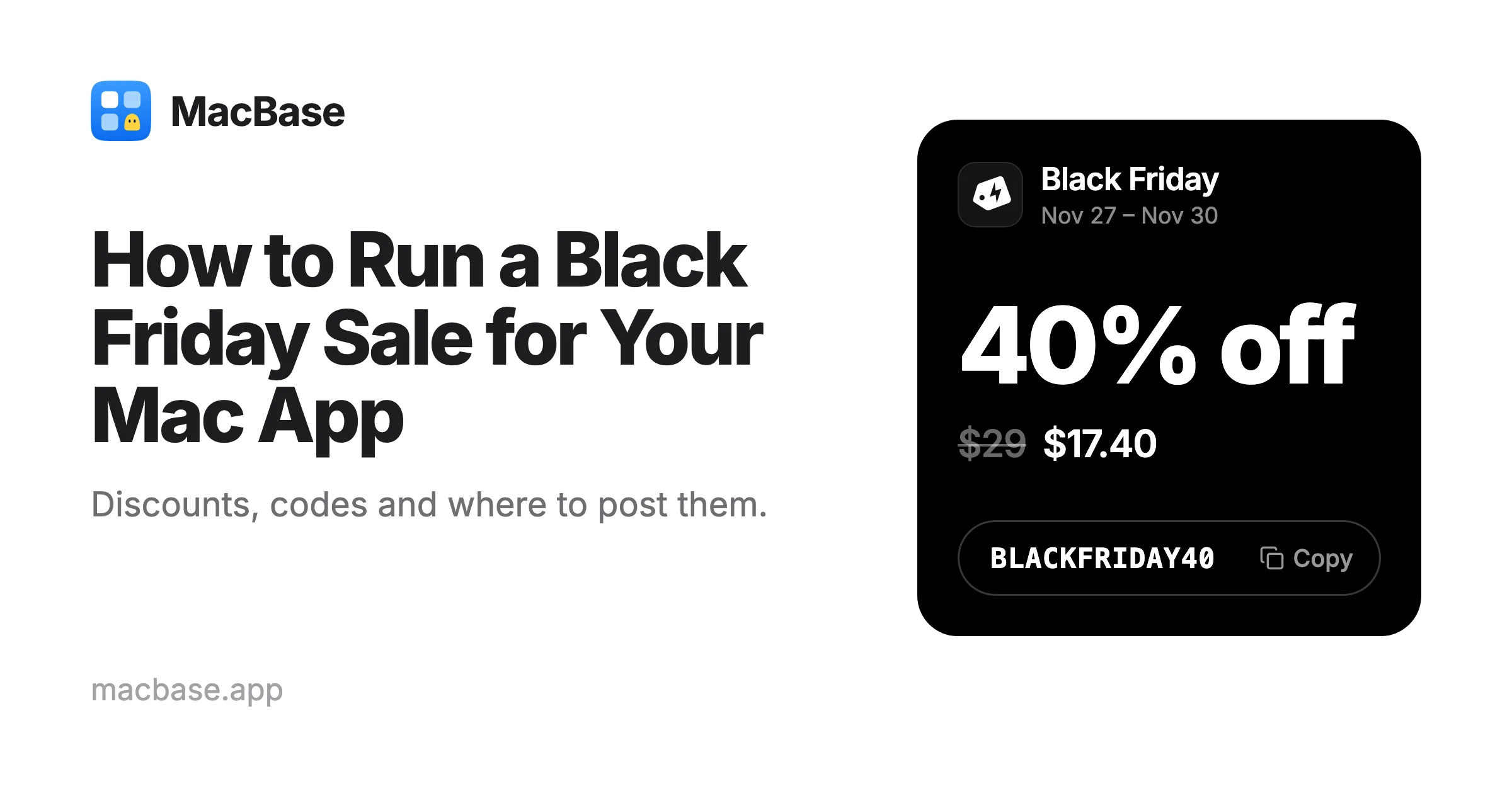
A public code, such as BLACKFRIDAY40. A code is easy to share and easy to count, since every sale that used it is a sale from your Black Friday deal. Make one code for each place you announce it, such as BLACKFRIDAYX for X and BLACKFRIDAYEMAIL for your email list, and you'll see where your buyers came from.
On your own site, you can do both: show the lower price, and fill in the code at checkout for the buyer.
How to set it up
Paddle
- Go to Catalog › Discounts and click New discount.
- Choose a percentage or a flat amount.
- Turn on Checkout discount code and type your code.
- Turn on Set an expiration date for the discount, so it ends by itself.
- Turn on Limit discount to selected products and pick your app.
To fill in the code for the buyer, pass it as discountCode when Paddle.js opens the checkout.
Lemon Squeezy
Go to Store › Discounts and create a new discount. Lemon Squeezy lets you choose a percentage or a fixed amount, limit it to your app, and set a start date and an expiry date. Set both dates, and the sale starts and ends by itself.
Gumroad
Open your product and go to the Discounts tab on its Checkout page. You can limit how many times a code is used in total; by default there's no limit. Switch the code off when the sale ends.
Mac App Store: a paid app
Apple has no discount codes for a paid app, so you lower its price for the days of the sale:
- In App Store Connect, open your app and go to Monetization › Pricing and Availability.
- Click + next to Price Schedule and choose Temporary Price Change.
- Pick the first and last day, the countries and the price.
You need to have accepted the Paid Apps Agreement and submitted the app for review first. Apple's help page has the details. Schedule it a few days ahead, so the new price shows everywhere by the time you announce it.
Mac App Store: in-app purchases
If your app unlocks with an in-app purchase, you can make offer codes instead, including for a one-time unlock:
- Make a custom code with a name of your own, such as
BLACKFRIDAY. - Set how many times it can be used, up to 25,000, and when it expires.
- The app must be Ready for Distribution and the in-app purchase approved.
- People redeem it with a link, in the App Store, or in your app on macOS 15 or later.
Apple stopped making new promo codes for in-app purchases in March 2026, so offer codes are the way to do it now.
A week before
Set everything up a week early, then check it:
- Buy your app with the code, or check that the lower price shows. A code that fails at checkout loses the sale.
- Put the deal on your site where people see it first: the home page and the pricing page, with the code and the last day.
- Write one short announcement: what the app does in one sentence, the deal, the code and the last day. You'll reuse it everywhere below.
- Think about people who already bought it. Someone who paid full price last week may feel cheated. A note in your email, with a code for an upgrade or a gift license, keeps them on your side.
- Keep any countdown honest. If you show how long is left or how many licenses are left, make it real. When Vitals launched, its site showed how many licenses were left at each price, counted from real sales rather than a timer.
Where to announce it
The places in 23 Best Places to Promote Your Mac App still apply. In Black Friday week, these matter most.
MacBase's Black Friday page
MacBase's Black Friday page collects deals on Mac apps from their makers, with the codes, from November 20 to January 4. It's mine, so judge accordingly.
If your app is listed, open your dashboard and add the offer, the code, a link to the deal and the days it runs. It shows as soon as you save it. While the deal runs, your app's card shows a Black Friday tag with the offer everywhere on MacBase, and your app's page shows the code.
If your app isn't listed yet, list it for free first. It can join once it's live.
X
Post the deal on the day it starts, and again on Cyber Monday. If you've been sharing your updates, the people who follow your app are the ones most likely to buy.
Your email list and your app
People who already know your app are your best buyers. Send one email when the sale starts and, if you like, one the day before it ends. If your app has a free version or a trial, a short note inside the app reaches people who have been meaning to buy.
Black Friday lists on GitHub
Awesome Black Friday / Cyber Monday Deals has a 2026 edition with tables for Mac apps. Add your deal with a pull request, at the end of the right category. It's first come, first merged, and only for software, apps and SaaS.
Mac communities
Communities like r/macapps and the forums of Mac podcasts often have a Black Friday thread. Read their rules, post only in that thread, and say the app is yours.
When it ends
End the sale on the day you said. If a "last chance" deal keeps getting extended, people learn to wait for the next one.
Put the price back, switch off any codes that don't expire on their own, and take the banner down. Then see which code or link each sale came from. That tells you where to spend your time next year.
Frequently asked questions
When is Black Friday 2026?
Black Friday is Friday, November 27, 2026, and Cyber Monday is Monday, November 30. Many Mac app deals start the week before and run through Cyber Monday or into the new year.
How much should I discount my Mac app for Black Friday?
25% to 50% off is a good range for most Mac apps. Less than that is easy to miss in a week full of sales. For a subscription, discount the first year rather than every renewal.
Can I use discount codes on the Mac App Store?
Not for a paid app. For a paid app, schedule a temporary price change in App Store Connect. For in-app purchases, including a one-time unlock, you can make offer codes with a name of your own, a limit on how many times they're used and an expiry date.
How long should a Black Friday sale run?
At least from Black Friday through Cyber Monday, November 27 to 30, 2026. Running it into the new year reaches people who buy over the holidays. Whatever you choose, end it on the day you said.
Where can I list my Mac app's Black Friday deal?
On MacBase's Black Friday page, which collects Mac app deals with their codes from November 20 to January 4, and on lists like Awesome Black Friday / Cyber Monday Deals on GitHub. Post it on X, email your users and put it on your own site too.
If you've made a Mac app, add your Black Friday deal to MacBase, or list your app first. It's free.
Written by
I build cool Mac apps. Founder, MacBase.