
 Atta 🐬
Finding a good Mac app is harder than it should be.
Say you want a better way to manage your windows. The Mac App Store has a few options, but many of the best Mac apps aren't in it. Their makers sell them from their own sites or share them on GitHub. So you search, and you land on a list of the best window managers that may be years old. You open ten tabs to check which apps are still updated, what they cost now, and whether they run natively on your Mac.
Making a Mac app has the opposite problem. You can build something people would love and still have nowhere obvious to show it to them.
We built MacBase for both. You can discover Mac apps from the Mac App Store, from their makers' sites and from GitHub in one place, with the same facts on every page. If you make Mac apps, you can list yours for free. More than 130 apps are here so far, and more arrive every week.
Find the right app
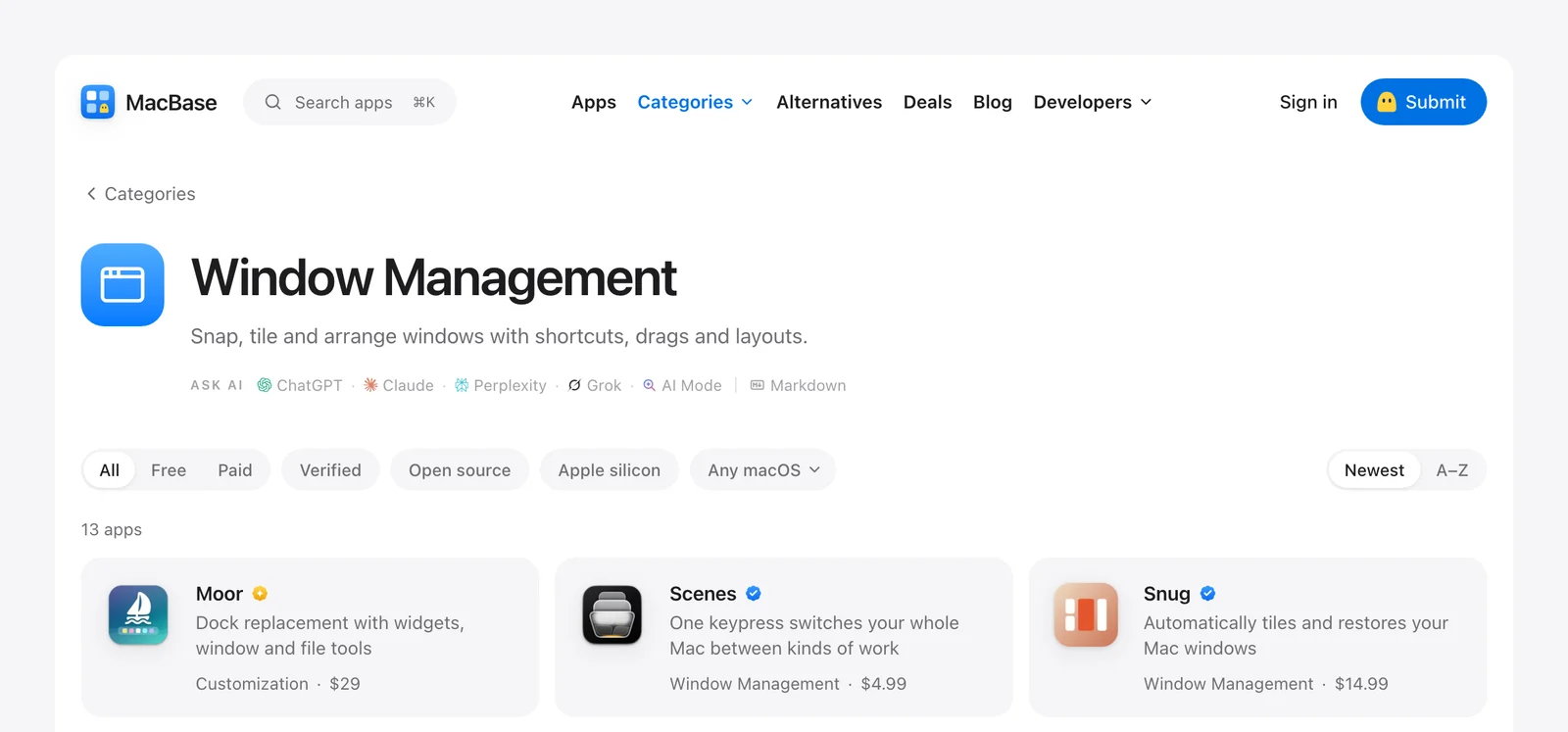
Browse by what you need done. Categories cover jobs like window management, menu bar tools, writing and local AI. You can narrow any list to free or paid apps, open source apps, apps that run natively on Apple silicon, or the macOS you're on.
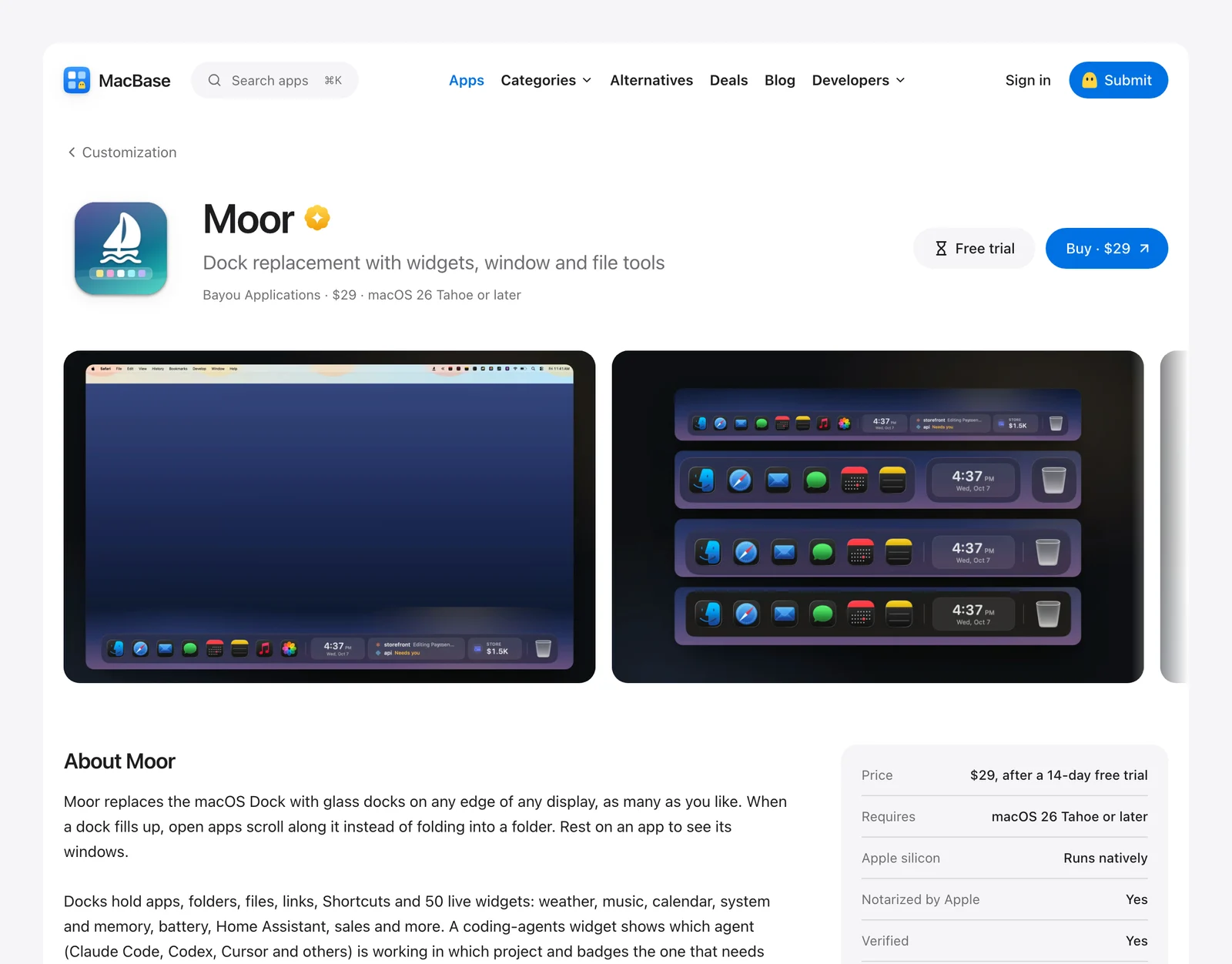
Get the facts before you download. Every app page shows the price, the oldest macOS it runs on, whether it runs natively on Apple silicon, and whether it's notarized by Apple.
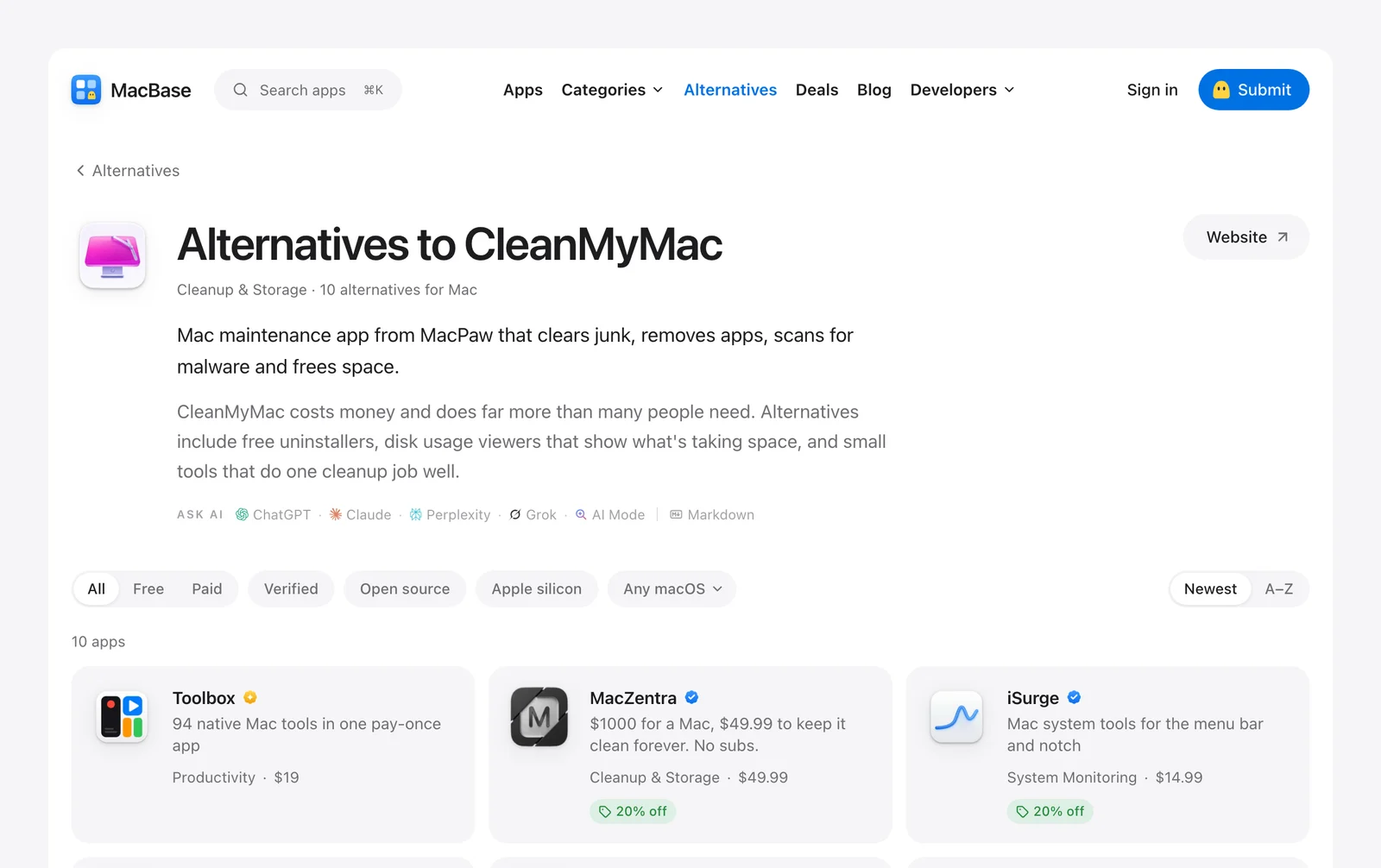
Look beyond the app you know. Alternatives start from a well-known app and show what people use instead. If a subscription went up or an app stopped keeping up, try the apps people use instead of CleanMyMac or iStat Menus.
Save money. Makers offer MacBase members deals on their apps. A free account shows you the codes.
Explore open source. Open source lists the Mac apps whose code is public, sorted by their stars on GitHub.
Ask your AI assistant. Add MacBase's public MCP server to Claude, ChatGPT or another assistant, and it can answer from real listings. No sign-in needed.
List your app
Listing your app is free. Paste a Mac App Store link, your website or a GitHub repository, and MacBase fills in a draft for you to check. If you'd rather skip the form, your coding agent can do it through your own MCP link.
Every listing is checked before it goes live. Our AI review publishes what's clearly a real Mac app, and anything else waits for a person. Nobody gets sent back or turned down by a machine.
Once you're listed, there's more you can do:
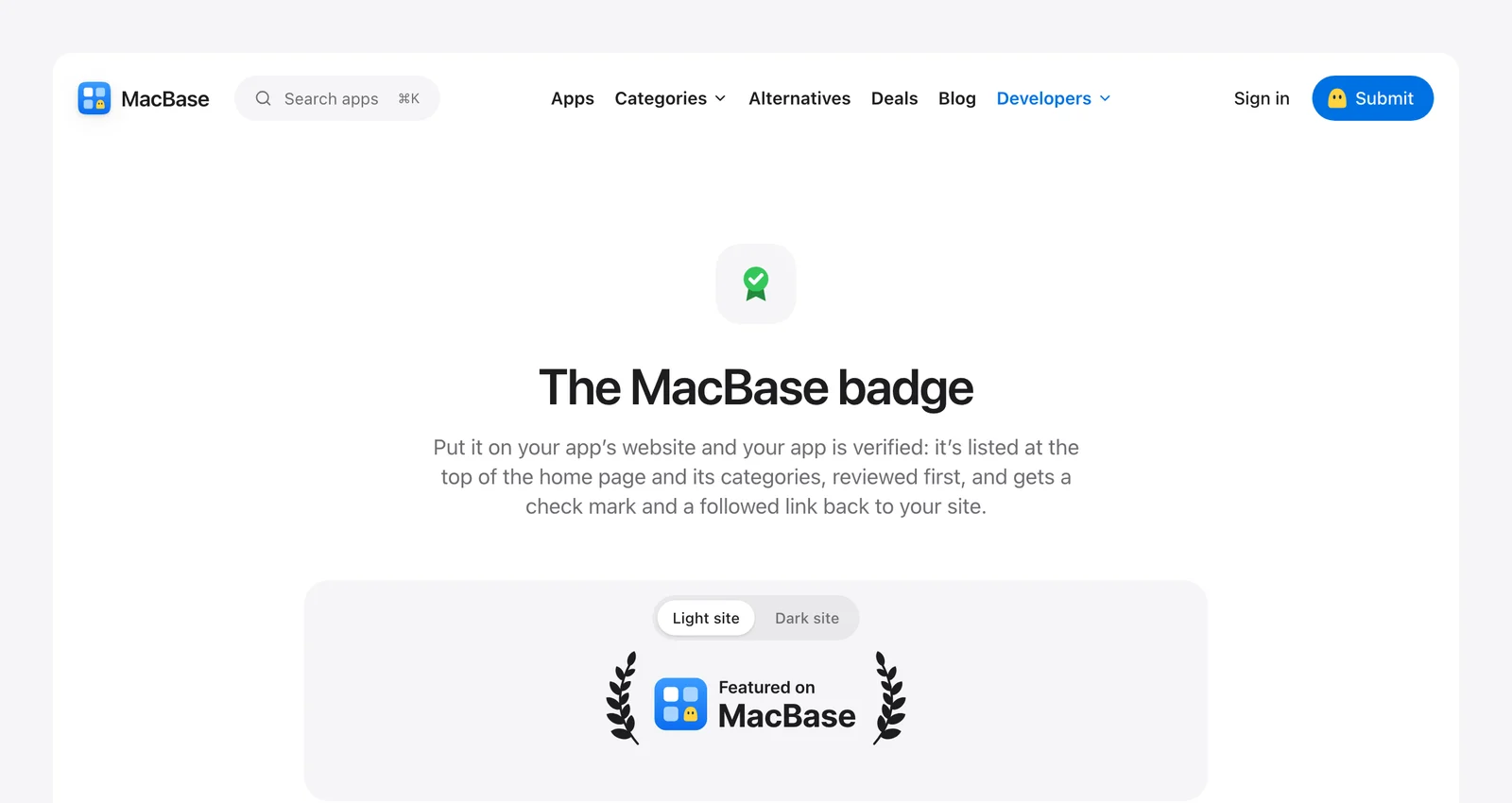
- Get verified. Put the MacBase badge on your site, and your listing gets a check mark and is shown above unverified apps.
- Get featured. You can pay for a featured spot at the top of the home page and your categories. Featured apps always carry a gold mark, so it's clear what they are.
- Use our prompts. Ready-made prompts for your coding agent cover structured data, accessibility, release notes and getting ready for the next macOS.
Who's behind it
MacBase is run by Fore Studio. We make Mac apps too, so you should know that three of the apps here are ours.



What's next
Next up is this blog: guides to getting more from your Mac, roundups of the apps worth having, honest reviews, and what we learn about building and selling Mac apps. Roundups will recommend what's best for the job, whether it's listed here or not. In November, we'll also have a page for Black Friday deals on Mac apps.
To keep up, the newsletter sends new Mac apps every week. And if your favorite app isn't here yet, tell its maker: listing is free.
Written by
I build cool Mac apps. Founder, MacBase.